Ground your tutor in your files, links, and Google Drive
2026-07-07 · The alltutors.ai team
TL;DR
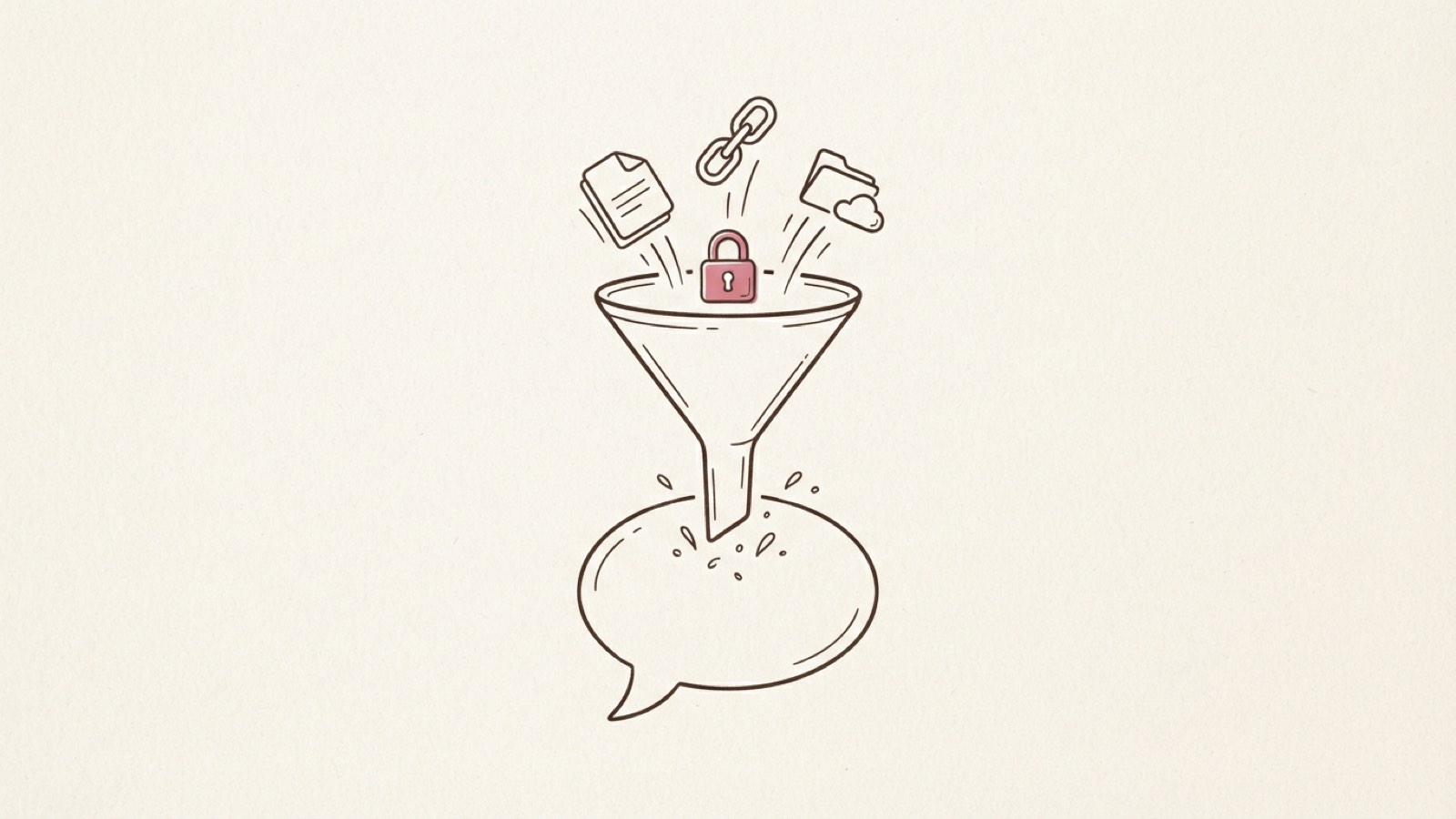
- Files, links, and Google Drive all feed the same pipeline: your material gets parsed, chunked, embedded, and stored so the tutor can pull the right piece back at answer time.
- The content is encrypted at rest before it's stored.
- Grounding means the tutor answers from what you gave it first, before falling back on general knowledge.
- The fastest way to confirm it worked is to ask the tutor something only your material would know.
- Most upload problems (a file that won't parse, a link that's blocked, a Google Drive scope issue) have a simple, specific fix.
What grounding actually means
A tutor that only knows general knowledge is just a chatbot with a persona on top. Grounding fixes that: you hand over your own files, links, or Google Drive documents, and the tutor answers from that material first instead of making things up. If you've built a custom GPT and watched it quietly forget your instructions or drop the files you uploaded, this is the fix: your material is parsed and stored, not held in a context window that empties out. And if your name or a compliance sign-off is on the answer, "from your material, not a plausible-sounding guess" is what protects you. Our deeper piece on what makes an AI tutor grounded covers why this matters more than the underlying model, and our comparison with plain ChatGPT covers why a raw chatbot can't do this at all.
Step 1: Decide what to hand over
Anything that captures the knowledge you want the tutor to teach from works: a slide deck, a PDF handbook, a set of internal docs, a link to a public page, or a folder in Google Drive. You don't need to clean it up first or turn it into a formal syllabus. If you'd hand it to a new hire, hand it to the tutor. If you already sell a course, the PDFs, slides, and workbooks sitting inside your Teachable, Kajabi, or Thinkific course are exactly that raw material: export and upload them, and the same pipeline turns that passive content into something a learner can actually talk to.
Step 2: Upload a file, paste a link, or connect Google Drive
From the tutor's knowledge panel (you'll land here during the interview step, or any time after from the tutor's own chat), you have three ways in:
- Upload a file. Pick it from your computer. It queues for processing right away.
- Paste a link. Drop in a URL and the tutor fetches the page itself, no copy-pasting the text out by hand.
- Connect Google Drive. The first time, you'll grant access through a Google consent screen, then a picker lets you choose which files to bring in. alltutors.ai only gets the files you explicitly pick, not your whole Drive.
Tip: if you can, split your material into a few focused files instead of one giant document. Retrieval works on chunks either way, but separate files are easier to manage: you can delete or re-upload one topic without touching the rest.
Step 3: What happens after you hand it over
Here's what happens:
- Parse. The raw file, page, or Drive document gets turned into plain text, stripping out formatting noise.
- Chunk. That text gets split into smaller pieces, roughly a paragraph or section at a time, rather than kept as one giant block.
- Embed. Each chunk gets converted into a numerical representation of its meaning (an "embedding"), which is what lets the tutor find the right chunk later based on what a question is actually about, not just matching keywords.
- Encrypt and store. The chunk's text is encrypted before it's saved. The raw page or file is never stored in plain form; only the encrypted chunks persist.
- Retrieve. When you or a learner ask the tutor something, it searches across those chunks for the most relevant few, decrypts just those, and uses them to answer.
You'll see a status next to each material in the knowledge panel while this runs, and it turns green once the material is ready.
Step 4: Check that it's actually grounded
Don't trust the green status alone. Open the tutor's chat (or the preview) and ask it something specific that only your material would answer correctly, like a figure or a process step that isn't common knowledge. If the answer matches your source, it's grounded.
Then run the test in reverse. Ask something plausible that sits just outside your material, a question your files don't actually cover, and watch what it does. If accuracy is reputational for you (your name is on the answer, or you're accountable for a compliance response), you want to see it lean on your source rather than confidently fill the gap from general knowledge.
If the tutor gives a vague or generic answer instead, check three things. It may still be processing. The answer may genuinely not be in what you uploaded. Or the answer is in there but phrased differently than your question, so retrieval didn't surface it, in which case reword the question using terms from the source.
If something didn't go as expected
| Problem | Likely cause | What to do |
|---|---|---|
| A file's status never moves past "processing," or fails | The file may be a scanned image with no extractable text, corrupted, or in a format that can't be parsed | Try re-exporting it as a text-based document (not a scanned image) and re-upload; if it's a large file, give it a bit longer before assuming it failed |
| A link won't fetch | The page may sit behind a login, block outside requests, or simply not be reachable from the public internet | Use a public, non-login-walled URL, or copy the relevant text into a file and upload that instead |
| Google Drive won't connect, or a file you picked never shows up | The Google consent may not have completed, or the file wasn't actually selected in the picker | Reconnect Drive from the knowledge panel and go through the picker again, making sure to select the specific file, not just the folder view |
| The tutor answers generically instead of from your material | The material may still be processing, your question doesn't map to anything in the uploaded content, or the answer is there but phrased differently than you asked | Wait for the status to finish, then reword your question using terms straight from the source |
What's next
The study plan the tutor builds pulls from the same material, so ground it before you spend time refining the plan. That's also what turns a static course learners abandon into a tutor they work through: the grounded material is what the tutor uses to check understanding in conversation, not just play it back. If you haven't been through the basics yet, start with building your first tutor. And if grounding and data handling are a gating concern for your team, our security page covers encryption and access in full.
Open alltutors.ai and upload your first file.
Frequently asked questions
Does the tutor read my whole file every time it answers?
No. Your material is broken into small chunks up front, and only the handful most relevant to a given question get pulled in for that answer.
Is my uploaded material kept private?
Yes. The text of what you upload or fetch is encrypted at rest before it's stored, and a document only grounds the tutor you attached it to, never anyone else's. See our security page for the full picture.
Can I remove something I uploaded by mistake?
Yes. Deleting a material removes the chunks that came from it too, so it stops showing up in future answers.
Do links and Google Drive files work the same way as uploads?
Functionally yes: a link's page is fetched and a Drive file is pulled in, then both go through the same parse-chunk-embed-encrypt pipeline as an uploaded file. Drive additionally needs a one-time Google sign-in to grant access.